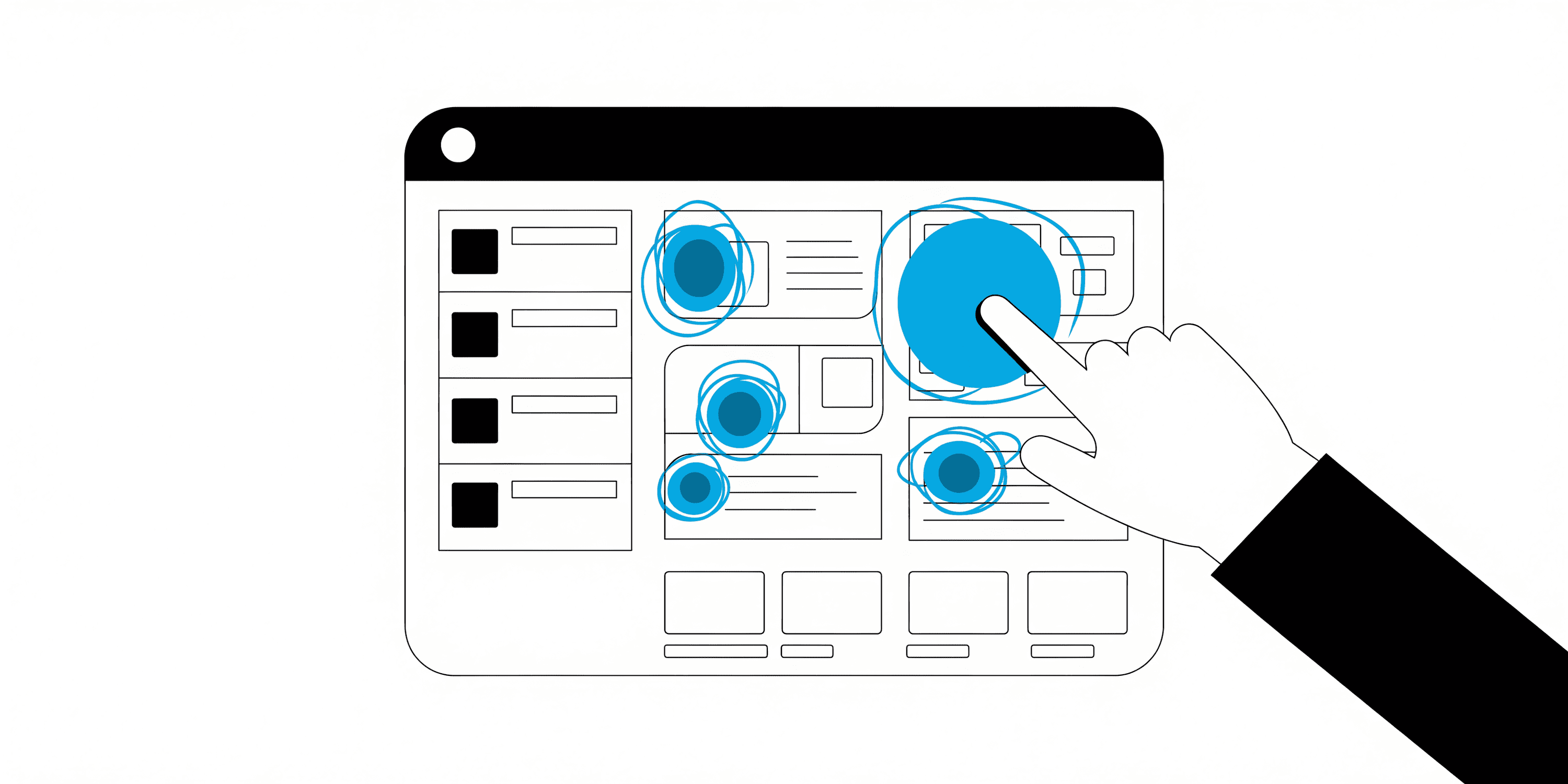

Every click tells a story. Every swipe, tap, or hover is a clue to what your users want, how they behave, and why they buy (or don't).
Modern growth teams don't just collect data; they react to it in real time. Whether it's a user exploring your pricing page, abandoning a cart, or completing an in-app milestone, your event tracking setup should catch that signal instantly and help you act on it.
What Are User Events and Why Do They Matter?
User events are specific actions like clicks, form submissions, purchases, screen views, or feature uses that show what your customers do and how they move through your product.
Tracking them helps you answer:
- What drives conversions or churn?
- Where do users drop off in the funnel?
- Which marketing channels bring high-value customers?
- Which product features create long-term retention?
Event tracking is the foundation of personalization, optimization, and growth.
What to Look for in an Event Tracking Tool?
- SDKs for web, iOS, and Android.
- Real-time sync across platforms and CRMs.
- Predictive analytics and AI event insights.
- Integrations with tools like Shopify, HubSpot, Stripe, and Salesforce.
- Privacy, consent management, and GDPR compliance.
| Product | Starting Price | Free Plan | Key Features |
|---|---|---|---|
| Intempt | $114/month | Yes | Unified event tracking across web, mobile, CRM, and eCommerce. AI-based behavioral insights, real-time dashboards, predictive scoring, customer journeys, and personalized experiments. |
| Userpilot | $299/month | Demo | No-code in-app event tracking, guided onboarding, contextual tooltips, and UI personalization. |
| Amplitude | $61/month | Yes | Behavioral event analytics, funnel and retention reports, predictive engagement scoring, path analysis, and audience activation. |
| PostHog | Free (self-hosted) | Yes | Open-source analytics with event tracking, feature flags, A/B testing, and session replay. |
| FullStory | Custom | Yes | Auto-captures every user event and reconstructs sessions with heatmaps and replays. |
| Google Analytics 4 (GA4) | Free | Yes | Unified web and app event tracking, AI-powered insights, predictive metrics, user pathing, and ad attribution. |
| Mixpanel | $140/month (1.5M events) | Yes | Event-based analytics, real-time cohorting, funnels, and retention tracking. |
| Heap | Custom | Yes | Auto-captures every click, tap, and scroll with retroactive analytics. |
The Top Picks
1) Intempt
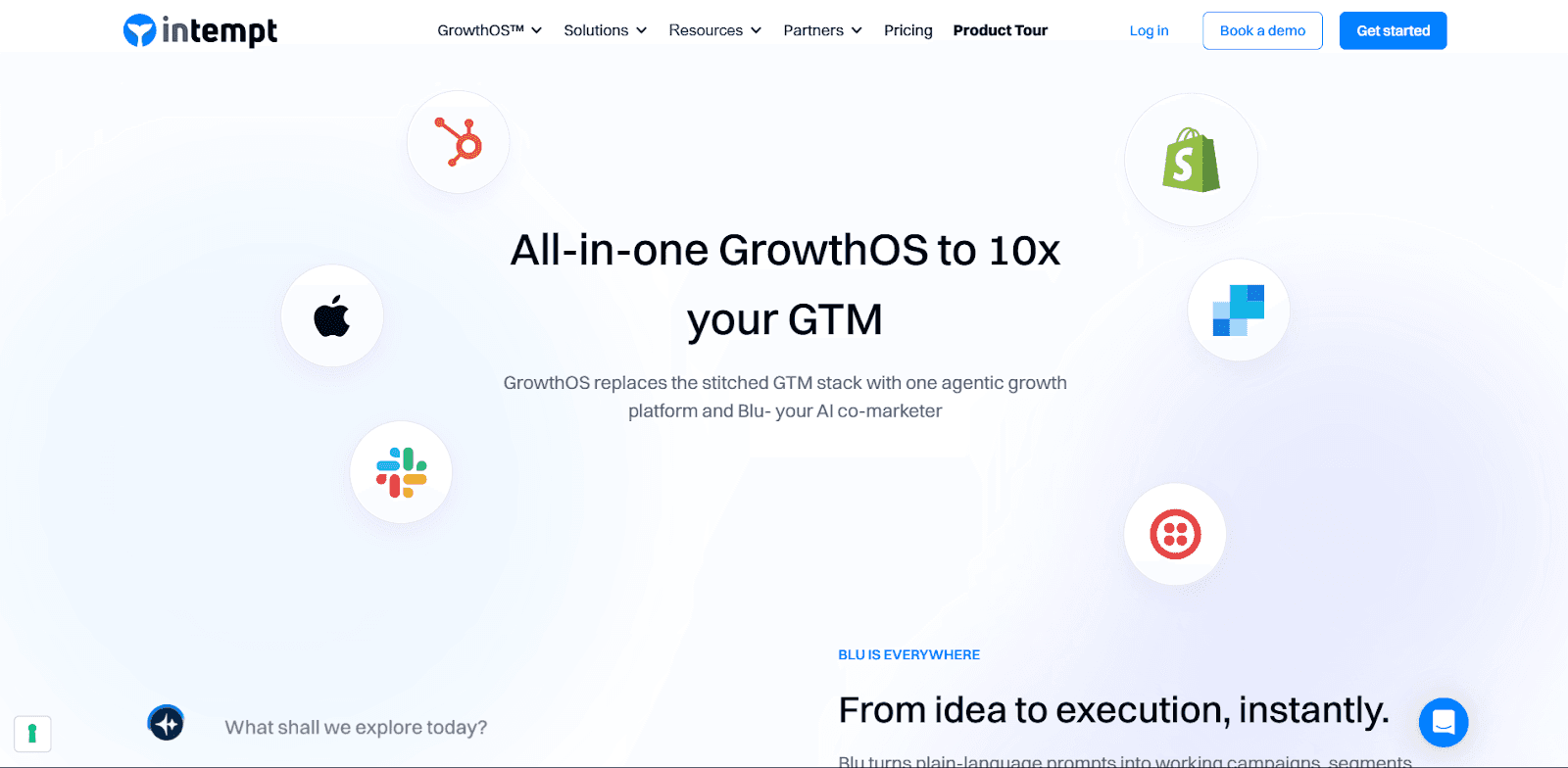
Intempt is a unified platform that brings together event tracking, analytics, and activation, all powered by AI. It captures every event from your web, app, and backend systems, turning behavioral data into personalized experiments that increase engagement and revenue.
Strengths
- Captures every user event across web, mobile, CRM, and backend in real time.
- Updates user profiles dynamically as new actions happen.
- Stitches together anonymous, session, and user-level events across devices.
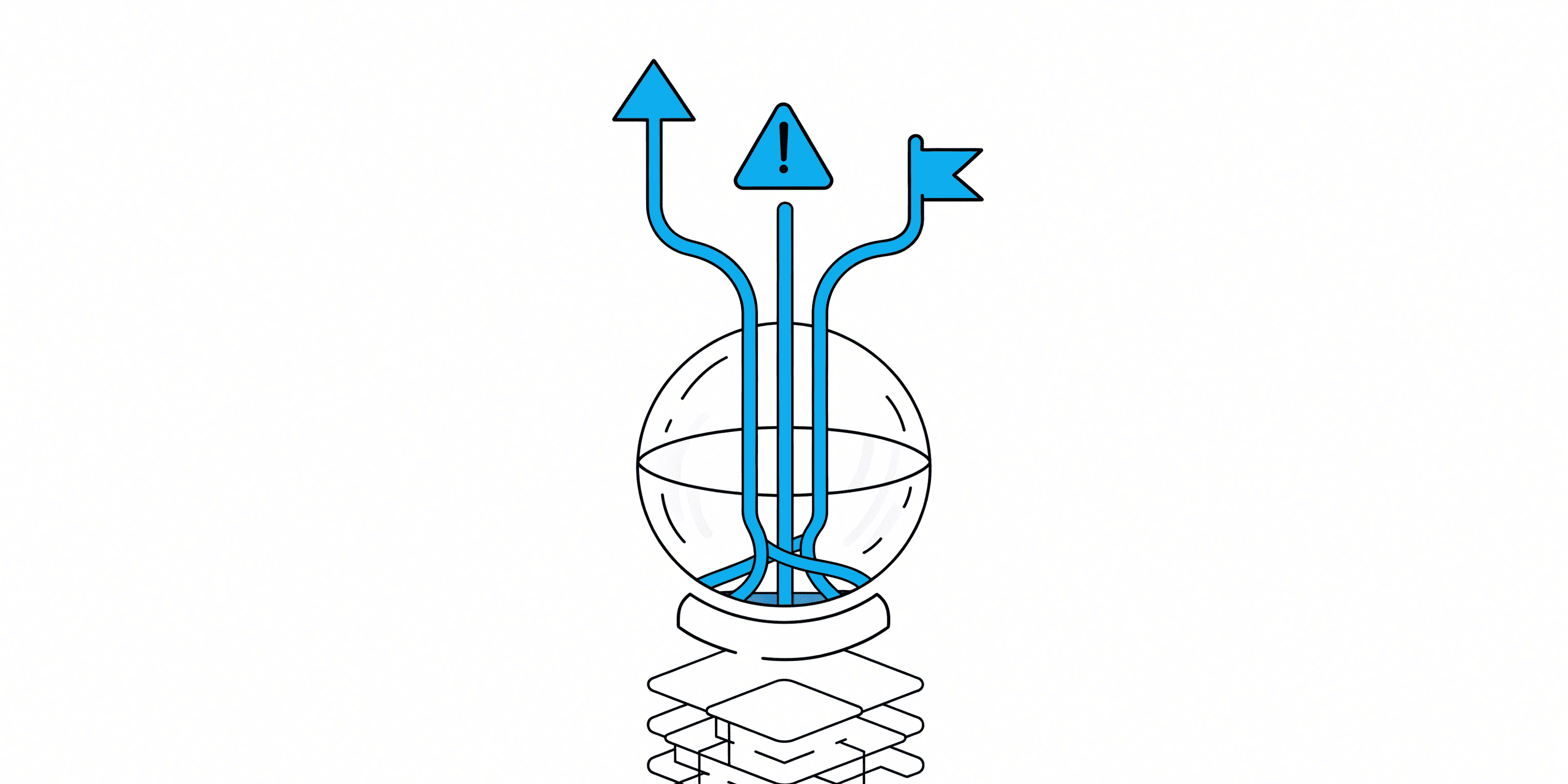
- AI-powered predictive engine surfaces intent signals like "likely to churn" or "ready to upgrade."
- Helps you act on events through real-time personalization, campaign triggers, and A/B experiments.
Best for: SaaS and eCommerce teams wanting one intelligent system for events, personalization, and revenue measurement.
Pricing: Always free, pay only when you need more. Paid plans start at $114 per month.
2) Userpilot
Userpilot is built for product-led growth teams who want to track in-app behavior and trigger contextual experiences without needing code.
Best for: Product teams driving activation and adoption. Pricing: Starts at $299/month.
3) Amplitude
Amplitude is the gold standard in behavioral analytics, turning event data into visual funnels, retention charts, and predictive insights.
Best for: Data-driven SaaS teams focused on long-term engagement. Pricing: Starts at $61/month.
4) PostHog
PostHog is an open-source analytics suite that lets you track, replay, and experiment while keeping your data private.
Best for: Teams needing data sovereignty and extensibility. Pricing: Free for self-hosted; paid cloud plans available.
5) FullStory
FullStory offers a visual-first approach, automatically recording every user session so you can replay what happened on your site or app.
Best for: UX and product teams improving experience design. Pricing: Custom.
6) Google Analytics 4
GA4 uses a modern event-based tracking model that captures both web and app activity in one platform.
Best for: Marketing and analytics teams seeking cost-efficient tracking. Pricing: Free.
7) Mixpanel
Mixpanel remains a favorite among growth teams for real-time event analytics and retention tracking.
Best for: Growth-focused SaaS teams. Pricing: Starts at $140/month (1.5M events).
8) Heap
Heap captures every interaction automatically, so you never miss an event, even retroactively.
Best for: Non-technical teams wanting easy event tracking. Pricing: Custom with a free tier.
Common Event-Tracking Mistakes to Avoid
The tool matters less than the taxonomy underneath it. These are the mistakes that quietly wreck an event-tracking setup regardless of which platform you pick.
- Firing the same event from both client and server. A purchase tracked by the browser SDK and again by a backend webhook without deduplication doubles your revenue numbers. Pick one source of truth per event and add the second only as a backup with a shared ID to de-dupe against.
- Naming events inconsistently. "Signed Up," "signup_completed," and "user_registered" in the same dashboard mean nobody can build a funnel that actually joins them. Write the naming convention down before the second person starts adding events, not after the tenth inconsistent one ships.
- Tracking the click, not the outcome. A "CTA Clicked" event tells you someone was interested. It does not tell you whether the modal that opened afterward actually converted them. Track the full sequence, not just the entry point.
- Losing identity across the login boundary. Anonymous browsing and logged-in activity need to merge into one profile the moment a user signs in, or every pre-signup event becomes invisible to your segments and journeys.
- Shipping new events with no QA step. An event that fires with the wrong property type, or fires twice per action, sits in your data for months before anyone notices, because nobody checks raw event volume until a report looks wrong.
Web vs Mobile Event Capture: What Actually Differs
A single JavaScript SDK covers most web tracking. Mobile splits into separate iOS and Android SDKs that can drift out of sync unless someone owns keeping their event lists identical.
Mobile also has to handle offline capture: a user on a plane keeps using the app, and those events need to queue on the device and flush once the connection returns, rather than getting dropped. App store review cycles add another wrinkle. A broken event on web ships the moment you deploy, but a broken event on mobile can sit behind a multi-day review before the fix reaches users.
Session boundaries differ too. A web session ends when the tab closes. A mobile session can survive the app going to the background for a phone call and resuming ten minutes later, so the tool's definition of "session timeout" changes what your engagement numbers mean across platforms.
How to Choose (Fast)
- All-in-one growth engine: Intempt - unifies tracking, personalization, and activation.
- Deep behavioral analytics: Amplitude - for data-savvy SaaS and PLG teams.
- Retroactive insights: Heap - auto-captures everything without manual tagging.
- Free universal foundation: Google Analytics 4.
- Privacy-first: PostHog for self-hosted data sovereignty.
Frequently asked questions.Answered.
- User events are specific actions like clicks, purchases, or form submissions that reflect how users interact with your app or website.